You know that feeling when a fictional character sticks with you long after a book or show ends, and you wish you could just ask them what they were thinking? That’s basically the itch Character AI scratches. It’s not a search engine, and it’s not trying to be your homework helper — though plenty of people use it that way. It’s a chatbot platform built around characters you can talk to, and it’s wildly popular with younger users for a reason.
So, Character AI explained in one line: it’s a website and app where you chat with AI-powered characters — some made by the company, most made by other users — and those characters reply in character, remember bits of your conversation, and keep the roleplay going for as long as you want.
What Character AI actually is
Character AI (usually written Character.AI, and found at character.ai) launched in 2022, founded by former Google engineers Noam Shazeer and Daniel De Freitas. The idea was simple but clever: instead of one generic assistant that answers everything, give people lots of specialised personalities to talk to. Want to practise Spanish with a patient tutor? There’s a character for that. Want to brainstorm a story with a grumpy pirate captain? That exists too. Want to chat with a historical figure, a fictional hero, or a completely original character someone invented at 2am? All there.
Under the hood, it’s powered by large language models — the same kind of technology behind other chatbots — trained to stay in character and hold a conversation that feels more like texting a person than querying a database. If you want the background on how that technology works, our guide to large language models explains it without the jargon.
That’s also what separates it from a general assistant. A general chatbot aims for the correct answer. A Character AI character aims for a believable reply. Sometimes that means it’s funny, dramatic, or a bit odd — on purpose.
How to use Character AI for free
Getting started takes about two minutes, and you don’t need to pay anything to try it properly:
- Go to character.ai or download the app, and create a free account. You’ll need to be 13 or older in most regions, and the platform does ask for an age during sign-up.
- Browse or search the character library. You can filter by what’s trending, or search for a topic, a fandom, or a type of helper like “study buddy” or “language tutor”.
- Pick a character and just start typing. There’s no special prompt format to learn — talk to it the way you’d text a friend.
- Use the rating tools as you go. You can star good replies, swipe for a different version of an answer, and edit a reply if the character goes off track. In our testing, this is the single fastest way to improve a conversation: a couple of swipes and edits usually pulls a wandering character back on course.
The free version is genuinely usable. You get unlimited chats with most characters, access to community creations, and voice features on some characters. What you don’t get is priority access when the site is busy, and some newer features roll out to paying users first.

Character AI Plus: is it worth paying for?
Character AI Plus is the paid tier, and honestly, for most casual users it’s a nice-to-have, not a must-have. The main perks are skipping the waiting room during peak times, faster responses, and early access to new features. If you only dip in a few times a week, the free version will do you fine. If you’re on there daily — say you’re using it for language practice or creative writing — the time saved by skipping queues can add up, and that’s when Plus starts to make sense.
Here’s my practical take: use the free version for at least two weeks first. If you keep hitting the waiting room at the exact times you want to chat, upgrade. If you don’t, keep your money. Too many people pay for AI tools on day one and then barely open them.
Creating your own character
This is where the platform gets genuinely creative. Anyone can build a character, and you don’t need to code anything. You give it a name, a short greeting, a description of its personality, and a few example exchanges that show how it should talk. The better your description, the more consistent the character stays.
A few tips from actually trying this: be specific instead of vague. “Friendly teacher” gives you a generic tutor. “A patient physics teacher who uses everyday examples, cracks one dry joke per lesson, and never just gives the answer” gives you someone worth talking to. And set a couple of example chats — those examples teach the character its voice far better than a long paragraph of instructions does.
If you’re into building things with AI more broadly, you’ll enjoy the same creative freedom on Hugging Face, where anyone can try free AI models, though that’s a more technical playground than Character AI’s friendly character builder.
What Character AI is good at — and what it isn’t
Let’s be honest about the strengths first. It’s brilliant for creative writing, brainstorming, roleplay, practising a language without the fear of embarrassing yourself in front of a real person, and exploring ideas through conversation. I’ve seen students use it to rehearse for a presentation by chatting with a “strict interviewer” character, which is a genuinely smart use.
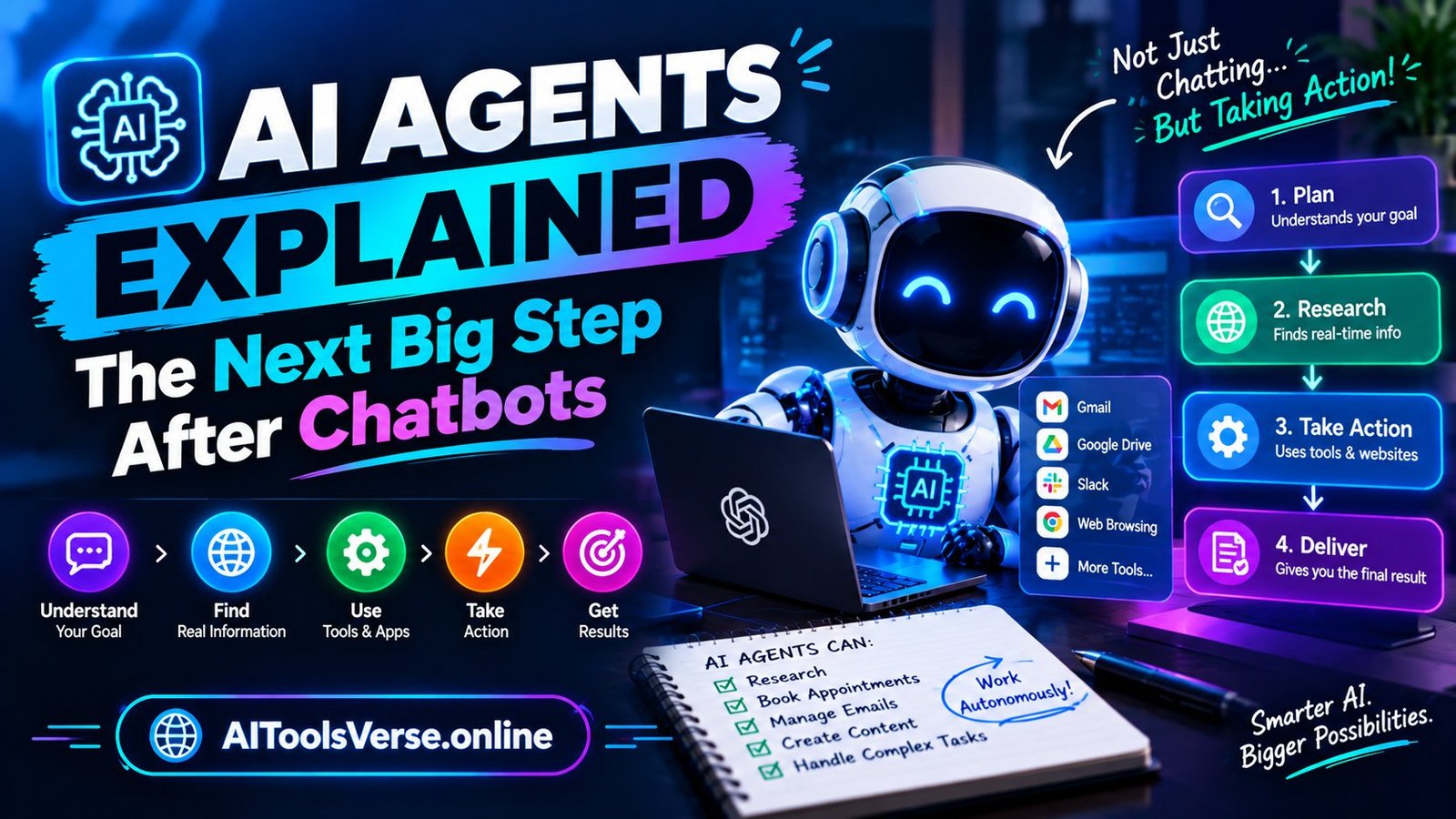
But it’s not a reliable source of facts. Characters can and do make things up with total confidence — that’s the hallucination problem every chatbot has, and a character in roleplay is even less worried about accuracy than a normal assistant. So don’t use it as your only source for homework, health questions, or news. Check anything important against a trustworthy source, the same way you would with any AI answer. For a deeper look at where these agents are heading, read our explainer on AI agents, the next big step after chatbots.
It’s also not a replacement for real friends or a therapist. The characters feel attentive because they’re designed to, but they don’t actually know you or care about you. That’s fine for entertainment, and it can even be comforting in small doses, but it’s worth keeping that boundary clear — especially for younger users.
Safety tips for teens and parents
Character AI is popular with teenagers, so the safety side matters more here than with most AI tools. A few ground rules that actually work:
- Don’t share personal information. No real name, school, address, or photos in chats — characters are run by software, but conversations can be reviewed for safety and training purposes.
- Remember the age guidance. The platform is meant for users 13 and up, and parents should know that community characters vary wildly in quality and tone.
- Treat everything as entertainment, not advice. If a character says something about health, relationships, or money, verify it elsewhere before acting on it.
- Use the reporting tools. If a character behaves inappropriately, you can report it, and you can block or avoid characters that don’t feel right.
- Keep screen time in check. Roleplay chats are designed to be absorbing, and it’s easy to lose an hour. Setting your own time limit before you open the app helps more than any willpower trick afterwards.
Our broader AI tools safety guide covers these habits in more detail, including how to protect your data while using AI tools in general — worth a read before you sign up for any new AI service, not just this one.
Character AI vs ChatGPT: which should you pick?
This is the question I get most, and the answer depends on what you want. ChatGPT, Gemini and Claude are general assistants built to answer questions, write, code and reason — if you need homework help, a draft email, or a research summary, start there. Our comparison of ChatGPT vs Gemini vs Claude breaks down which general chatbot fits which job.
Character AI is built for conversation as entertainment and practice. Pick it when the personality and the back-and-forth matter more than getting a single correct answer. Plenty of people use both: a general chatbot for work and study, Character AI for fun, writing and language practice. There’s no rule that says you have to choose one.
Who should actually try it?
Try Character AI if you’re a writer looking for a brainstorming partner, a language learner who wants low-pressure speaking practice, a student who wants to rehearse presentations, or just someone curious about how far conversational AI has come. Skip it — or at least keep expectations low — if you mainly need accurate, sourced answers, because that’s not what it’s designed for.
In the end, Character AI explained simply is this: a fun, free, surprisingly creative way to talk to AI personalities, best enjoyed with a clear head about what it is and isn’t. Use it for creativity and practice, double-check its facts, keep your personal details private, and you’ll get the best of it without the pitfalls. And if you build a character you’re proud of, share it — the community side is half the fun.