Let’s be honest about job hunting in 2026: the hardest part isn’t being good enough for the job. It’s getting a human to actually read your application. Most large employers run every CV through screening software before a recruiter ever sees it, and that software is picky in ways a person wouldn’t be. It looks for matching keywords, clean formatting, and a clear match to the job description — and it quietly drops the rest.
That’s exactly where AI tools for resume and job applications earn their place. Used well, they don’t fake your experience. They help you present the experience you genuinely have in the format hiring systems actually reward, and they cut the hours of rewriting that make applying for jobs feel like a second job. I’ve tested these tools the way a real applicant would: with a real CV, real job adverts, and very little patience for software that promises magic and delivers generic waffle.
This guide to AI tools for resume and job applications focuses on tools that are practical, affordable, and easy to use alongside your own judgement.
First, understand what you’re up against
Before you touch any tool, it helps to know why so many good applications vanish. Applicant tracking systems, or ATS, scan your CV for skills and phrases from the job advert. A beautifully designed CV with text baked into graphics, tables, or fancy columns can confuse that scan completely — the system reads nothing, scores you zero, and moves on. So the first rule of modern job applications is boring but vital: a clean, single-column CV with standard headings (Experience, Education, Skills) beats a pretty one every time.
The second thing to know: tailoring matters more than volume. Sending the same CV to fifty jobs is less effective than sending a tailored CV to ten. That sounds like more work, but it’s precisely the part AI tools are good at — they can reframe your existing experience for a specific advert in minutes, while you stay in charge of what’s true. Knowing this helps you judge AI tools for resume and job applications on whether they improve readability and matching, not just on how impressive they look.

1. ChatGPT — your drafting partner, not your author
ChatGPT is the most useful starting point for most applicants, and it’s free. Paste in a job description and your current CV, then ask it to suggest bullet points that connect your experience to the role’s requirements. What you get back is a first draft, not a finished product.
Go through it line by line: keep what’s accurate, delete what’s exaggerated, and rewrite anything that sounds like it could belong to anyone. The best use I’ve found is for the painful parts — turning “helped with social media” into a specific, measurable bullet about what you actually did and what changed because of it. For that reason, AI tools for resume and job applications are best used to speed up drafting, not to replace your own editing.
2. Rezi — built specifically to beat the screening software
Rezi is designed around ATS scoring. It analyses your CV against a job description, shows you which keywords you’re missing, and scores how machine-readable your formatting is. For applicants targeting big companies, that feedback alone is worth trying the free tier. Its templates are deliberately plain, which is a feature, not a flaw — plain is what the scanners read best.
3. Kickresume — when you need it to look good too
Not every application goes through a scanner. Smaller companies, startups, and creative roles often have a human reading first, and there a clean, well-designed CV helps. Kickresume offers AI-written content plus genuinely attractive templates, and it handles cover letters in the same place. Our Canva Magic Studio guide covers a similar design-first route if you already use Canva for everything else.
4. Teal — organise the whole search, not just the CV
Here’s the tool most job seekers don’t know they need. Teal tracks every application, stores a tailored version of your CV for each role, and highlights the keywords each advert asks for. Job hunting falls apart when you’re juggling twenty applications in a spreadsheet; Teal turns that chaos into a single dashboard. If you’ve ever forgotten whether you already applied somewhere, this is your fix.
5. Grammarly — the final polish that matters more than you think
A typo won’t always sink an application, but several of them tell a recruiter you don’t check your work. Grammarly catches grammar, tone, and clarity issues across your CV, cover letter, and application emails. The free version covers the essentials. For a detailed comparison of free writing assistants, see our Grammarly vs QuillBot vs LanguageTool comparison.
6. Jobscan — match your CV to one specific advert
Jobscan compares your CV with a single job description and gives a match rate, then lists the skills and phrases to add. Use it as a checklist, not a target to game: a 90 percent match built on invented skills will collapse at interview. The honest way to use it is to find the real experience you’ve forgotten to mention — the project, the tool, the result — and add that.
7. LinkedIn’s AI tools — because recruiters search there too
Many recruiters search LinkedIn before they ever post a job. LinkedIn’s AI features can suggest profile improvements and help draft the “About” section, but the real win is simpler: make sure your profile says the same things as your CV, with the same keywords, and turn on “Open to Work” for the roles you actually want. An inconsistent profile undermines a strong CV.
8. Interview prep tools — practise before it counts
Getting shortlisted is only half the battle. Tools like Interview Warmup from Google let you practise answering common questions and get feedback on your answers, while ChatGPT can run a mock interview for a specific role if you feed it the job description. Practise out loud — reading answers silently doesn’t prepare you for saying them under pressure. Our guide on AI tools for students covers similar preparation techniques that work just as well for graduates. These practice tools round out AI tools for resume and job applications by preparing you for the stage after shortlisting.
9. Canva — for portfolios and creative roles
If your work is visual — design, marketing, content, photography — a plain CV won’t show it. Canva lets you build a portfolio-style CV and a matching cover letter quickly, and its AI tools help with layout and wording. Keep one plain, ATS-friendly version as well, and send the designed version only where a human will read it first.
A workflow that actually works
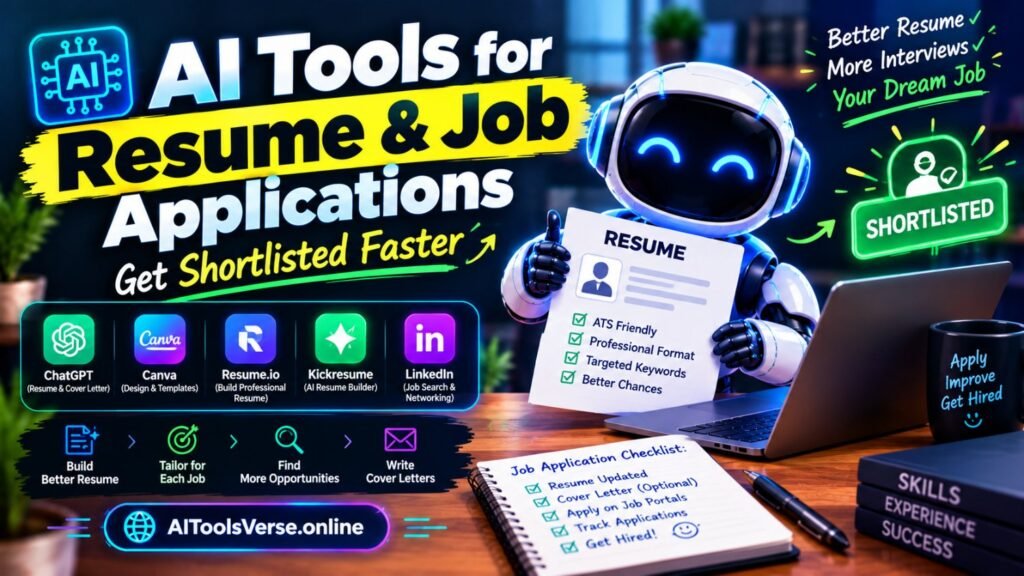
Here’s the process I’d suggest, and it’s the one I’d give a friend: start with your master CV, the long version with everything in it. For each role, copy it, then use an AI tool to tailor it to that advert — same experience, reframed around what the employer asked for. Run it through an ATS checker, fix the formatting, proofread it yourself (always), and save that version in your tracker.
Total time per application: about thirty minutes instead of two hours, and each one is genuinely tailored. If you freelance alongside job hunting, our AI tools for freelancers guide covers the same tailoring habit for proposals.
Used in this way, AI tools for resume and job applications turn tailoring from a chore into a repeatable habit.

What AI should never do in a job application
This matters, so I’ll be blunt. Never invent experience, qualifications, or skills you don’t have — AI makes this dangerously easy, and it unravels at interview or in a reference check.
Never submit an AI-written cover letter without editing it; recruiters can spot generic letters instantly, and a generic letter is worse than a short honest one. And never paste a job description and your personal details into a tool without checking what it does with your data — stick to reputable tools, and leave out sensitive details like your address or ID numbers.
In short, AI tools for resume and job applications are most useful when they support your experience, not replace it.
AI tools for resume and job applications: the honest truth about getting shortlisted
AI tools for resume and job applications won’t get you a job on their own. What they do is remove the two biggest reasons good candidates get ignored: a CV the software can’t read, and an application that never got tailored because tailoring took too long.
Fix those two things, apply to roles you genuinely fit, and follow up politely after a week. The tools handle the formatting and the first drafts; the experience, the judgement, and the interview are still yours. That’s as it should be — and it’s more than enough to get your CV in front of a human, which is where the real contest starts.