Ask any teacher what eats their evenings and you’ll hear the same answer: planning. Lesson plans, worksheets, quizzes, slides — the teaching itself is the easy part. The paperwork around it is what keeps people at their desks until midnight. That’s where AI tools for teachers genuinely help, not by replacing the teacher, but by handling the first draft so the teacher can do the thinking that actually matters.
A word of caution first, from watching this go wrong: AI output is a starting point, never a finished lesson. It doesn’t know your class, your students’ reading level, or that half of period three struggles with fractions. You do. The best workflow is AI drafts, teacher decides.
Table of Contents
Lesson plans in minutes, not hours
Give a chatbot your topic, class level, lesson length and learning objective, and ask for a plan with a starter activity, main task, differentiation for stronger and weaker students, and a plenary. What comes back is usually 70% usable. Your job is the other 30%: swap the generic examples for ones your students will recognise, cut anything too easy or too hard, and add the question you’d actually ask out loud. ChatGPT and Gemini both handle this well, and our chatbot comparison will help you pick.
Quizzes that don’t all look the same
Writing twenty good multiple-choice questions is tedious, and writing twenty good ones with plausible wrong answers is worse. AI is genuinely good at this — ask for a mix of recall, application and one tricky question, plus an answer key with short explanations. Then read every question yourself. AI loves writing questions where two answers are technically right, or where the correct answer is obviously the longest one. Students spot that pattern fast.
Slides without the design degree
Canva Magic Studio can turn a rough outline into a clean slide deck in minutes, and it’s the tool I’d hand to any teacher who dreads presentation design. For something more automatic, Gamma builds a deck from a prompt, though you’ll still want to edit the text. Keep slides sparse: one idea per slide, big text, and let your voice do the teaching.
Differentiation, the part teachers actually need help with
Here’s where AI quietly shines. Take one worksheet and ask for three versions: a supported version with sentence starters and a word bank, a standard version, and an extension version with a challenge question. That used to take an hour. Now it takes ten minutes and a careful read-through. Same for reading passages — ask for the same text simplified for younger readers, then check it hasn’t lost the key vocabulary your students need to learn.
Feedback and marking support
AI can draft feedback comments, suggest next steps for common mistakes, and help you spot patterns across a class set (“most students lost marks on question 4 because…”). What it should not do is mark high-stakes work unsupervised. Use it to speed up your marking, not to replace your judgement — parents and students can tell when feedback is generic, and trust is hard to rebuild.
Video and audio for flipped lessons
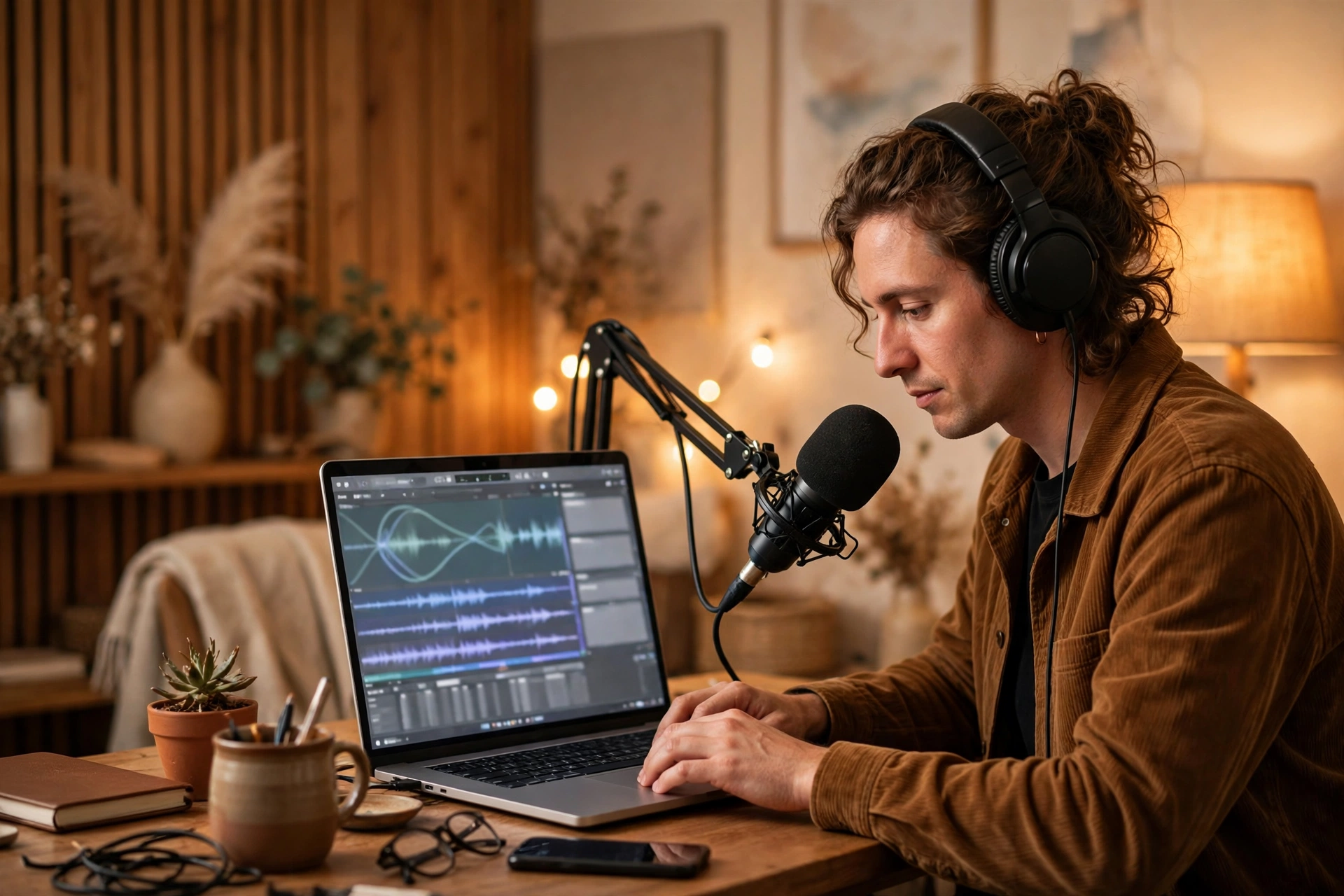
Short explainer videos used to mean a weekend of editing. Tools like Pictory can turn a script into a simple video, and Descript lets you fix a spoken mistake by editing text instead of re-recording. Keep flipped videos under ten minutes; students will actually watch those.
The honest limits
AI gets facts wrong, especially in history and science, and it writes with a confidence that can fool a tired reader at 11 pm. Never hand out AI-generated material you haven’t read. Check names, dates and formulas. And keep student data out of public chatbots — no names, no grades, no identifiable work pasted into a free tool. Your school’s policy on this matters more than any tool recommendation in this post.
Worksheets, reading and homework that fit real classes
Worksheets are where AI saves the most time after lesson plans. Give it a topic and a class level and ask for ten questions graded from easy to hard, with a separate answer key. Then do the essential teacher work: check the difficulty curve, replace culturally unfamiliar examples with ones from your students’ world, and add one question that connects the topic to something they care about.
For reading, ask AI to produce a short passage at the right reading level on the topic, then write your own comprehension questions — AI passages are fine, but your questions are what test understanding. For homework, ask for three versions of the same task at different support levels, and keep the learning objective identical across all three so nobody feels they got the “easy” work.
Managing the admin that nobody sees
Beyond lessons, teachers drown in small writing tasks: emails to parents, newsletter paragraphs, assembly notes, report comments. AI drafts these quickly, and a short human edit makes them sound like you. Report comments are the best example — give AI the student’s strengths and one next step, ask for three comment options in a warm, professional tone, and pick and adjust. What you must not do is feed it a spreadsheet of student names and grades and ask it to write all the reports. Keep personal data out, draft in bulk only in general terms, and personalise every comment yourself before it goes anywhere near a parent.
Introducing AI to students, honestly
Students will use AI whether you mention it or not, so the teachers who get the best results are the ones who teach it openly. Show your class how you used AI to draft a quiz, then show them the mistakes you caught and fixed. That ten-minute demonstration teaches more about critical thinking than any policy document. Set clear classroom rules together: AI for brainstorming, explaining and practising is welcome; AI for submitting work as your own is not. When students understand why the line exists, they respect it far more than when it’s just a rule on a poster.
Used well, AI tools for teachers give back the one resource nobody can buy: time. Time to plan a better question, to help the student who’s stuck, to actually leave school at a reasonable hour. Start with one tool, one task — lesson plans are the easiest win — and build from there. Your evenings will thank you.
You can explore Canva for slide design and check official guidance at education.gov.uk for classroom policies.
AI tools for teachers work best when they are chosen for one job at a time. The best AI tools for teachers start with a clear task, such as a lesson plan, a quiz or a slide deck, and leave the final judgement to the teacher.
For quizzes and worksheets, AI tools for teachers can produce varied first drafts quickly. Teachers who use AI tools for teachers in this way still check every question, because accuracy and fairness matter more than speed.
Used with care, AI tools for teachers give teachers more time for the work only a teacher can do. That is the real test for AI tools for teachers: whether they help students learn, without adding to a teacher’s evening workload. For a wider look at personal tutors, instant feedback and smart classrooms, see our guide to AI in education.