“I wasted £400 on a camera I didn’t need — here’s what I should’ve bought instead.”
That line would make you stop scrolling, wouldn’t it? It promises a mistake, a specific number, and a payoff. It doesn’t say “In this video, I’m going to talk about cameras.” It drops you straight into a story.
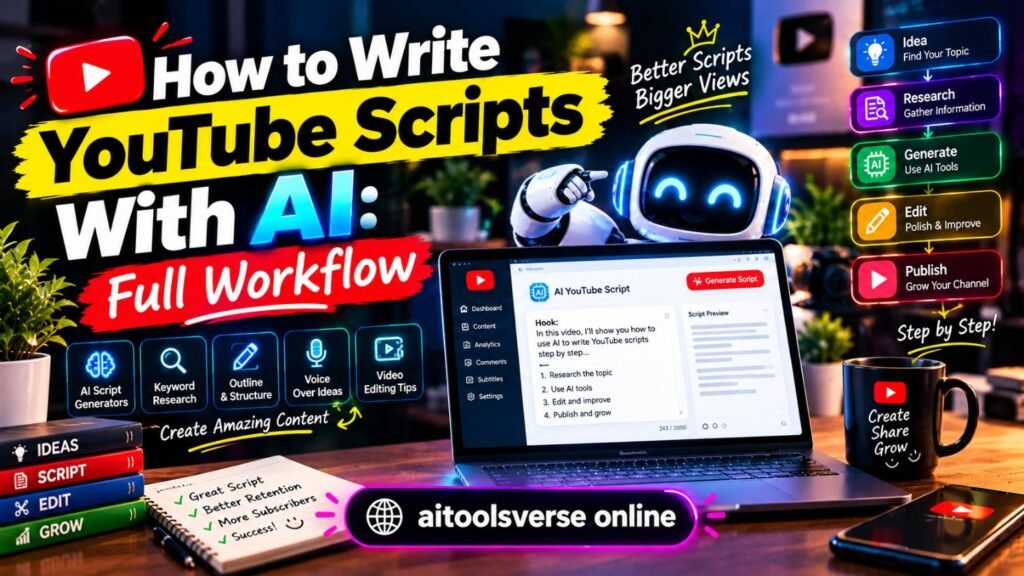
Most YouTube scripts fail in the first 15 seconds, not the middle. If you want to write YouTube scripts with AI and still sound like yourself, the trick isn’t a better AI tool. It’s a better workflow — one where AI does the heavy lifting on structure and first drafts, and you stay in charge of ideas, stories and final wording.
Here’s a workflow to follow, from a rough idea to a script you can actually read aloud without cringing.
Step 1: Start with one idea, not ten topics
Before you open any AI tool, finish this sentence on paper: “After watching this video, the viewer will be able to ___” or “will feel ___.” One outcome. Not three.
“I wasted £400” works because the outcome is clear: you’ll avoid the same mistake. “Camera tips” doesn’t work, because it could mean anything.
In a side-by-side comparison, scripts that start with a fuzzy idea stay fuzzy, no matter how good the AI draft is. Spend five minutes nailing the promise first. Ask yourself: who is this for, what problem does it solve, and why should they care today?
Write that down. That paragraph becomes your brief for everything that follows.
Step 2: Build the outline before the draft
Don’t ask AI for a full script yet. Ask for an outline, then argue with it.
A solid YouTube outline is usually four to six beats, not twenty bullet points. For a 8–10 minute video, try this shape: Hook (0–30 seconds): the promise and the stakes; Context (1 minute): why this matters, quickly; Main points (5–7 minutes): three ideas, each with an example; Payoff and next step (1 minute): what to do now, and what to watch next.
Prompt the AI with your one-sentence promise, your audience, and the video length. Then delete any section that doesn’t serve the promise. If a point is interesting but off-topic, save it for another video. Ruthless cutting at outline stage saves you painful rewrites later.
Step 3: Write the hook separately — it’s a different job
Your hook deserves its own pass. It’s not an introduction, it’s a reason to stay.
Try writing five hooks for the same video, in different styles: 1. A mistake: “I wasted £400 on…”; 2. A bold claim: “You don’t need a better camera. You need this instead.”; 3. A question with stakes: “Why do your videos look good but still get no views?”; 4. A short story: “Last month, I posted a video I was sure would flop.”; 5. A direct promise: “By the end of this video, you’ll know exactly what to buy first.”
Read them aloud. The winner is usually the one that sounds like something you’d actually say to a friend, not the cleverest one on the page. Put that hook at the very top of your script, word for word, so you don’t water it down when you start recording.
Step 4: Draft in sections, not in one giant block
Now you can draft — but do it section by section. Ask AI to write the hook section, then the first main point, then stop. Read it. Fix it. Then move on.
Why sections? Because long AI drafts drift. The tone changes halfway through, points repeat, and you end up with 2,000 words that say very little. Short sections keep you in control.
For each section, give the AI three things: the point in one sentence, one example or story only you could tell, and the tone you want (“conversational, like explaining to a friend, short sentences”). Without an example from you, the draft will fill the gap with generic advice. With one, it suddenly sounds specific.
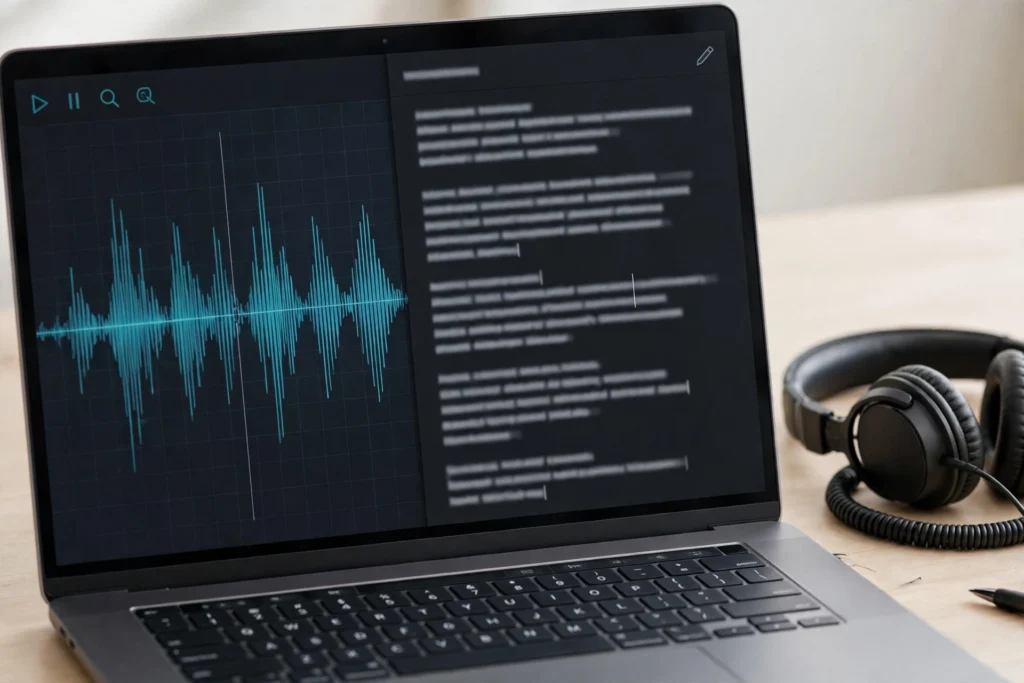
If you need editing help after drafting, our Descript guide is useful here: Descript guide — edit video and audio by editing text
Step 5: The human edit — where the script becomes yours
This is the step most people skip, and it’s the step that matters most. An AI draft is not a script. It’s raw material.
Go through with a red pen — literally or on screen — and do four passes: Cut the fluff. Delete any sentence that doesn’t help the viewer or move the story forward. If you can remove it and nothing is lost, it’s gone.
Add you. Drop in one personal detail per main point: what you tried, what failed, what surprised you. Viewers remember stories, not lists. Fix the rhythm. Break up long paragraphs. Short sentences land harder on camera. Read a paragraph and mark where you’d naturally breathe — that’s where a new line or pause belongs. Check the facts. AI tools invent numbers, quotes and product details with total confidence. Verify anything specific before you record. One wrong claim in the comments can undo a great video.
A useful test: cover the AI draft and explain the section in your own words for 30 seconds. If your spoken version is clearer, use that wording instead.
For the wider creator toolkit, see our companion post: 10 AI Tools Every YouTuber Should Use in 2026
Step 6: The read-aloud test (never skip this)
Before you record, read the whole script aloud, standing up, as if you’re filming. Time it. You’ll catch problems no silent read ever shows.
You’ll hear sentences that twist your tongue. You’ll notice places where you run out of breath. You’ll find transitions that look fine on paper but sound awkward spoken. Mark them, rewrite them shorter, and read again.
As a rough guide, most creators speak at 130–150 words per minute on camera. So a 10-minute video needs roughly 1,300–1,500 words. If your script is 2,200 words, you’re not making a 10-minute video — you’re making a 15-minute one, whether you planned to or not. Cut early, not in the edit.
This one test alone will make your videos feel more natural than any prompt trick.
A prompt template you can copy
Use this as your starting point, then adapt it to your niche. Fill in the brackets and paste it in sections, not all at once.
You are helping me write a YouTube script. My audience is [beginner creators / home cooks / students — be specific]. The video promise is: [one sentence]. The video length is [8 minutes]. Tone: conversational, direct, short sentences, like explaining to a friend. Do NOT use corporate language or clichés.
First, give me an outline with a hook, 3 main points with one example each, and a closing payoff. Keep each point to 2–3 lines. After I approve the outline, we’ll draft one section at a time.
Here’s how I talk: [paste 3–4 sentences from an old script or caption].
That last part — your own example — is what stops the script sounding generic. Without it, you’re getting the internet’s average voice. With it, you’re getting a draft in your voice, ready for your edit.
For fast visual edits to match the script, see: CapCut AI guide — edit videos faster

And for YouTube’s guidance on AI disclosure and best practice, check: YouTube Help. You can also explore Descript’s official features here: Descript.
How to keep your own voice when AI helps
This worries every good creator, and rightly so. Your voice is the reason people subscribe to you, not to a topic.
Build a small “voice bank” and reuse it. Keep a note with: phrases you actually say, phrases you never say, stories you tell often, and your opinions — including unpopular ones. Paste the relevant bits into your prompt each time.
Ban a few AI giveaways from your scripts. Words like “delve,” “tapestry,” “in today’s fast-paced world” and “it’s important to note that” almost never sound like a real person talking to camera. If you spot them, delete them on sight.
Most importantly, keep one rule: AI can suggest, but you decide. If a line doesn’t feel like you, it doesn’t go in the video, even if it’s well written. Viewers forgive a rough sentence from a real person far faster than a polished sentence from nobody.
FAQ
How long should a YouTube script be?
Aim for 130–150 words per minute of finished video. A 5-minute video is about 650–750 words, a 10-minute video about 1,300–1,500 words. Always do a read-aloud test — your pace is the real answer, not a calculator.
Can AI write my whole script for me?
It can draft one, but publishing that draft untouched is a bad idea. You’ll get generic structure, invented details and a voice that sounds like everyone else. Use AI for outlines and first drafts, then edit hard, add your stories, and test it aloud.
How do I stop AI scripts sounding robotic?
Write in sections, give AI your own examples and tone samples, cut ruthlessly, and read everything aloud before recording. Short sentences, personal details and specific numbers beat long, polished paragraphs every time.