Introduction
Want a voice for your video, podcast, audiobook or course — without hiring a voice actor or recording yourself? That’s exactly what this ElevenLabs guide is about. You’ll learn how to turn plain written text into realistic AI voices, and ElevenLabs is known for speech that sounds natural, pronounces words clearly, and holds its tone across long scripts.
We’ll walk through it step by step: picking a voice, writing a script that actually sounds spoken, tweaking the settings, checking your audio properly, and exporting a finished file. No recording gear. No voice-acting experience. If you can write a clear script, you can have a usable voiceover in your very first session.
For editing finished audio or video afterwards, see our Descript guide, and for short-form video edits, see our CapCut AI guide. If you want songs rather than spoken narration, our Suno AI guide covers AI music creation step by step. In short, start with the voice, then polish what it says.
What Is ElevenLabs?
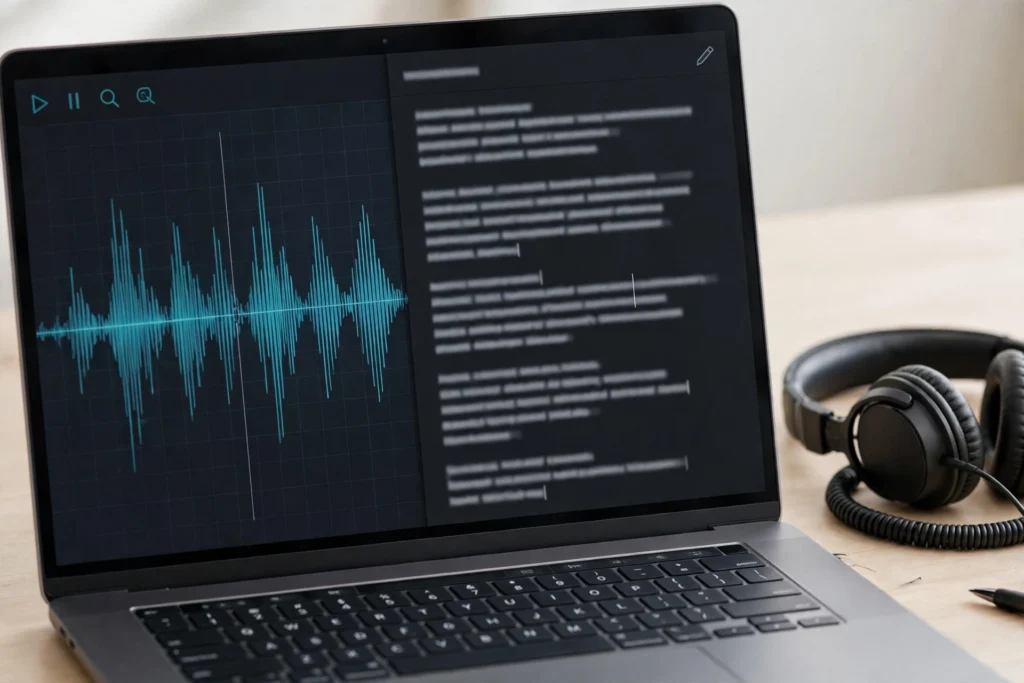
ElevenLabs is an AI voice platform that turns text into speech, clones voices with consent, dubs audio into other languages, and even powers conversational AI agents. Here, though, we’re focusing on the use most creators care about: realistic text-to-speech voices for creators, teachers, podcasters and businesses.
Unlike older text-to-speech tools that sounded flat and mechanical, ElevenLabs voices use context, punctuation and emphasis to sound closer to a real speaker. Pauses feel natural, questions rise at the end, and long sentences do not collapse into a monotone. That is why so many creators use it for narration, explainer videos and audiobooks. You can explore the official platform at ElevenLabs before you sign up. That natural rhythm is what sets it apart — you stop noticing it’s AI, and just listen.
Step 1: Create Your First Realistic AI Voice
Your first ElevenLabs project really does only take a few minutes. Keep it simple:
- Set up a free ElevenLabs account and open the text-to-speech studio.
- Browse the voice library and listen to several voices — don’t settle on the first one.
- Paste a short test script of 100 to 200 words. Not your full article yet.
- Generate it, listen from start to finish, and note anything rushed or unnatural.
- Tweak the settings, regenerate the test, and only then run your full script.
Testing first saves time and credits — and it’s the step most people skip. A voice can sound lovely on one sentence and still fall apart over a full paragraph, especially with names, numbers and technical terms. So always test with your real script style, not a generic sample. If you’re a beginner, start with a short test like this; you’ll thank yourself later.
Step 2: Choose the Right Voice and Settings
Use the Voice Library First
Start with the built-in voice library. Filter by language, accent, age and style, and shortlist three voices instead of grabbing the first one you hear. A calm, clear voice usually works best for tutorials and courses, while a warmer, more expressive voice suits storytelling and adverts. The rule to remember is simple: match the voice to your listener, not just to your own taste.
Voice Design and Voice Cloning
Voice Design lets you describe a voice and generate a new one from that description — handy when no library voice quite fits. Voice cloning is different: it builds a voice from your own recordings. Only ever clone your own voice, or one you have clear permission to use, and follow ElevenLabs’ consent checks. Cloning is brilliant for a consistent brand voice, but never use it to impersonate someone else.
Stability, Style and Similarity
Three settings shape most results. Stability is about steadiness: higher stability sounds calmer and more consistent, lower stability is more expressive but can wander. Style exaggeration controls how much emotion and emphasis the voice adds. Similarity, used with cloned voices, controls how closely the output follows the original. For narration, start in the middle of each range, then move one setting at a time — that way you’ll know what actually changed.
Step 3: Write Scripts That Sound Natural
Good AI voices still need good writing — there’s no way round that. Keep sentences short, words plain and punctuation clear, because the voice follows your punctuation. Write numbers, dates and abbreviations the way you’d say them out loud, and spell out unusual names on first use if the voice trips over them.
Break long scripts into short paragraphs and add line breaks where a real speaker would pause. Then read the script aloud yourself before you generate it. If you stumble, the AI voice probably will too. Cut walls of text, repeated phrases and jargon that adds nothing, and keep the tone steady from the first line to the last.
After generation, listen once without looking at the text. That’s how your audience will hear it, after all. Fix a mispronunciation by respelling a word, splitting a long sentence, or adding a comma — then regenerate only that section if you can. Honestly, small script edits usually fix more than fiddling with voice settings ever will.
ElevenLabs Pricing: What to Expect
ElevenLabs offers a free plan with limited credits, which is enough to test voices and create short audio. Paid plans add more credits, higher-quality voices, voice cloning, dubbing and commercial use options. Limits, prices and plan names change, so check the official ElevenLabs pricing page before you commit to a plan for a large project. It’s a five-minute check that stops an expensive guess.
For most beginners, the sensible route is this: test on the free plan, finish one complete short project, and only upgrade once you know how many minutes you actually need each month. Track your credit use for a week — long audiobooks and daily videos burn through credits far faster than the odd short clip.
Common ElevenLabs Mistakes Beginners Make
- Picking a voice from one sentence, then finding it doesn’t suit long narration.
- Running a full script before testing settings — an easy way to waste credits.
- Writing for reading, not listening: long sentences and dense paragraphs.
- Skipping the full listen, so a mispronounced name slips through.
- Overusing cloned voices when a fresh library voice would sound more natural.
- Ignoring commercial-use rules on a free plan for business or paid audio.
ElevenLabs vs Other Audio Tools
ElevenLabs leads, in this ElevenLabs guide, on realistic spoken narration: audiobooks, tutorials, podcasts and voiceovers where tone and clarity matter. Descript, covered in our Descript guide, is better when you want to edit speech by editing a transcript. CapCut AI, covered in our CapCut AI guide, is faster for captions and short-form video finishing. If you want to see how ElevenLabs stacks up against Murf and PlayHT, read our ElevenLabs vs Murf vs PlayHT comparison. For spoken work, it is the clear pick for narration.
If your project is a song, not speech, ElevenLabs is the wrong tool. For lyrics, melody and full tracks, see our Suno AI guide. The smart setup for many creators is ElevenLabs for narration, Descript for editing, and CapCut AI for final video polish. Use each tool for what it does best.
Frequently Asked Questions
Is ElevenLabs free?
Yes — there’s a free plan with limited credits for testing voices and short audio. Paid plans add more credits and features, and we’d still recommend testing on the free plan first. That way you know the voice works for you before you pay anything.
Is ElevenLabs good for YouTube voiceovers?
Yes, especially for explainer videos, tutorials and faceless channels, where a clear, consistent narration voice really matters. Pair it with clean visuals and captions, and you’ve got a solid, professional result without a studio.
Can ElevenLabs clone my voice?
Yes, using your own recordings and the consent checks. Keep cloning for your own voice and brand — never to imitate another person.
Can ElevenLabs make songs?
No, ElevenLabs is built for speech, not full music generation. For songs, see our Suno AI guide. Songs need a music tool, not a speech tool.
Do I need recording experience to use ElevenLabs?
No. If you can write a clear script and listen critically to what comes back, you’ve got everything you need to create your first realistic AI voice with this ElevenLabs guide.
Final Thoughts
This ElevenLabs guide comes down to one habit: test small, listen fully, and fix the script before you blame the voice. Choose a voice that fits your listener, write for the ear, and generate in short sections so mistakes stay cheap to fix. Once your narration sounds natural, use our Descript guide to edit it, our CapCut AI guide to finish it for video, or our Suno AI guide when your next project needs music instead of speech. It’s a small habit, but it saves a lot of rework.
For the wider picture, see our voice AI explained guide, which shows how machines learned to talk naturally.