Multimodal AI explained
Multimodal AI explained simply: one system that can see, hear and speak.
For years, AI tools each had one sense. A chatbot read text. An image tool made pictures. A voice tool spoke. They were impressive, but they lived in separate rooms. Multimodal AI knocks down the walls between those rooms. It’s AI that can take in more than one kind of input — text, image, audio, video — and work across them: look at a photo and describe it, hear a question and answer it, watch a video and summarise it.
If that sounds like a small upgrade, it isn’t. It’s the difference between an assistant you type at and an assistant you can actually show things to.
Table of Contents
What multimodal AI means, in plain words
Think about how you understand the world. You don’t read a separate transcript of life; you see, hear and read all at once, and your brain combines them. You understand a joke better when you see the speaker’s face. You understand a diagram better when someone talks you through it. Multimodal AI is an attempt — still early, still imperfect — to give machines a version of that combined understanding.
In practice, a multimodal model learns connections between different kinds of data. It learns that the word “dog” relates to certain shapes in images and certain sounds in audio. Once those connections exist, it can translate between senses: image to text, text to image, speech to text, and increasingly, any combination.
Everyday examples you already use
You’ve probably used multimodal AI without noticing the label. Point your phone camera at a menu in another language and get a translation — that’s vision plus language. Ask a voice assistant a question out loud and get a spoken answer — that’s speech plus language. Upload a photo to a chatbot and ask “what’s wrong with this plant?” — that’s image plus language, and it’s genuinely useful in a way text-only chat never was.
Newer tools go further. You can show an AI a photo of your fridge and ask for dinner ideas. You can play it a short audio clip and ask it to transcribe and summarise it. You can feed it a chart and ask what trend it shows. None of these are perfect — the AI still misreads images and mishears accents — but the direction is clear: fewer barriers between what you can show and what AI can help with.
How multimodal AI works, without the maths
Under the hood, each type of input is converted into a shared internal representation — a kind of common language the model uses to compare a picture, a sound and a sentence. Training teaches the model which representations belong together: this image of a cat, the word “cat,” the sound of a meow. At answer time, it uses those learned links to reason across senses.
That shared representation is also why multimodal models can surprise you. Ask about a photo and the model might notice a detail you missed — a date on a sign, a brand on a box — because it was trained to connect visual details with words. It’s also why they fail in distinctive ways: they can confidently describe something that isn’t in the image at all, the visual cousin of a text hallucination. Always verify details that matter, just as you would with text answers; see AI hallucinations for the checking routine.
Where multimodal AI helps most
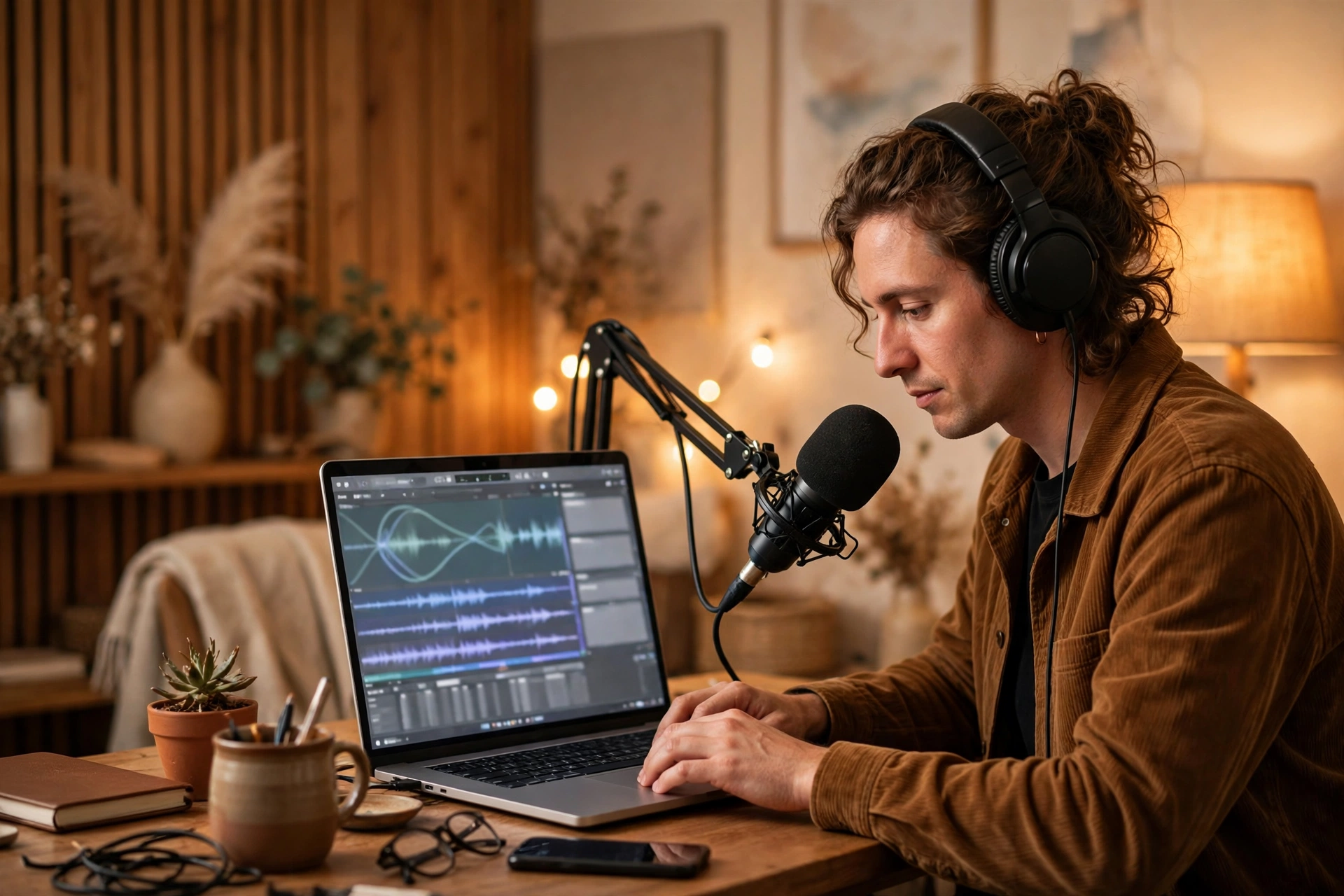
Education is a strong fit: a student photographs a maths problem and gets a step-by-step explanation, or uploads a diagram and asks what each part does. Accessibility is another: describing images for people who can’t see them, or turning speech into text in real time. For creators, multimodal tools can look at a thumbnail and suggest improvements, or listen to a podcast edit and flag awkward pauses. For small businesses, they can read a photo of a receipt, extract the total, and file it — a boring task that used to eat an afternoon.
Our guides to Google Gemini and Meta AI cover tools with multimodal features built in, and what is generative AI explains the generation side. Outbound reading: Google’s Gemini documentation at https://deepmind.google and OpenAI’s multimodal research at https://openai.com.
The limits and the risks
Multimodal AI raises new problems. A photo can reveal far more than you intend — location clues, documents in the background, other people — so think before uploading personal images to any AI tool. Voice cloning gets easier as audio models improve, which makes verifying a voice message more important. And the same biases that affect text models show up in vision too: models can misidentify people, misread cultural context, and reflect the gaps in their training data.
Accuracy is still uneven. Reading clear printed text from an image is now reliable. Understanding a messy hand-drawn diagram, a crowded street scene, or sarcasm in a voice clip is much harder. Treat multimodal answers as a first impression, not a final verdict — especially for medical images, legal documents, or anything where a mistake costs real money.
Frequently asked questions
Is multimodal AI the same as a chatbot with image upload?
Image upload is one multimodal feature. True multimodal AI goes further: it reasons across senses in the same model, rather than bolting separate tools together.
Can multimodal AI watch videos?
Early versions can: summarise clips, answer questions about what’s happening, and describe scenes. Longer videos and fine detail are still hard for most models.
Should I worry about privacy with image and voice AI?
Yes, a little more than with text. Images and audio carry hidden personal details, so use trusted tools, check privacy settings, and avoid uploading sensitive photos or voice recordings to public tools.
Multimodal AI is AI starting to perceive the world more like we do — messily, partially, but across senses at once. The tools will keep improving, but the skill that matters stays the same: show it something clear, ask a specific question, and check the answer before you act on it.
Related reading: our guide to open source vs closed AI models explains the trade-offs between running a model yourself and using one through its owner’s app or API.